

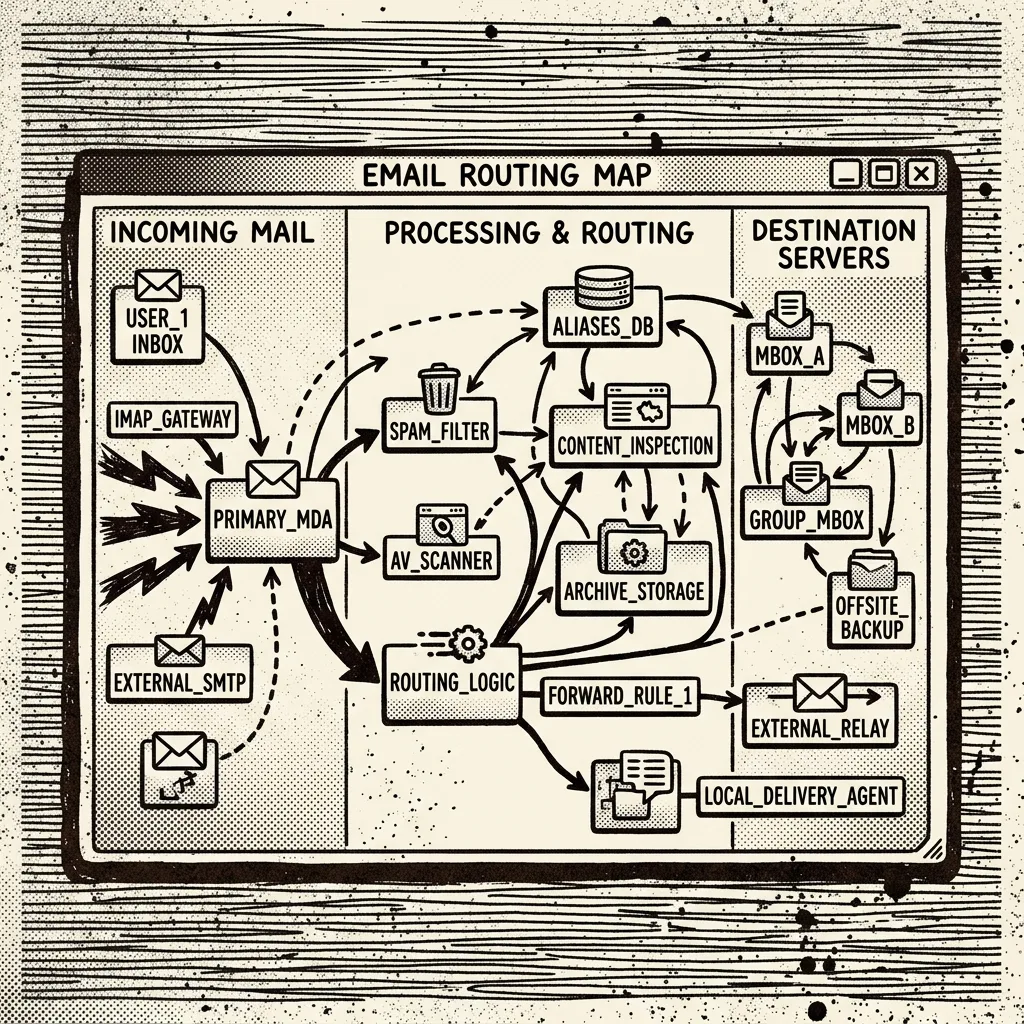
A Cloudflare Email Routing client is software — not another dashboard walkthrough. Searchers who land here usually already know how to create a route; they want an app that makes that route feel like mail they can live in.
Short answer: FlareMail is a web inbox for Cloudflare-powered email — a client designed around routing to Workers instead of logging into an IMAP account.
Cloudflare email inbox in your browser. First three domains free. Pro is $10/month for 12 domains, then $1 per extra domain. Agency is $60/month unlimited.
Create free account
Client vs tutorial vs forwarding destination
Cloudflare’s docs and blog posts explain how to wire Email Routing. Forwarding destinations like Gmail give you somewhere to read mail that already arrived. Neither is a Cloudflare Email Routing client. A client is the app where message lists, compose, folders, and send live as first-class features.
If a product asks you for an IMAP host, username, and password for Email Routing, it is speaking the wrong dialect. Email Routing is a routing and Worker workflow. The right client meets that model instead of forcing legacy mailbox fields.
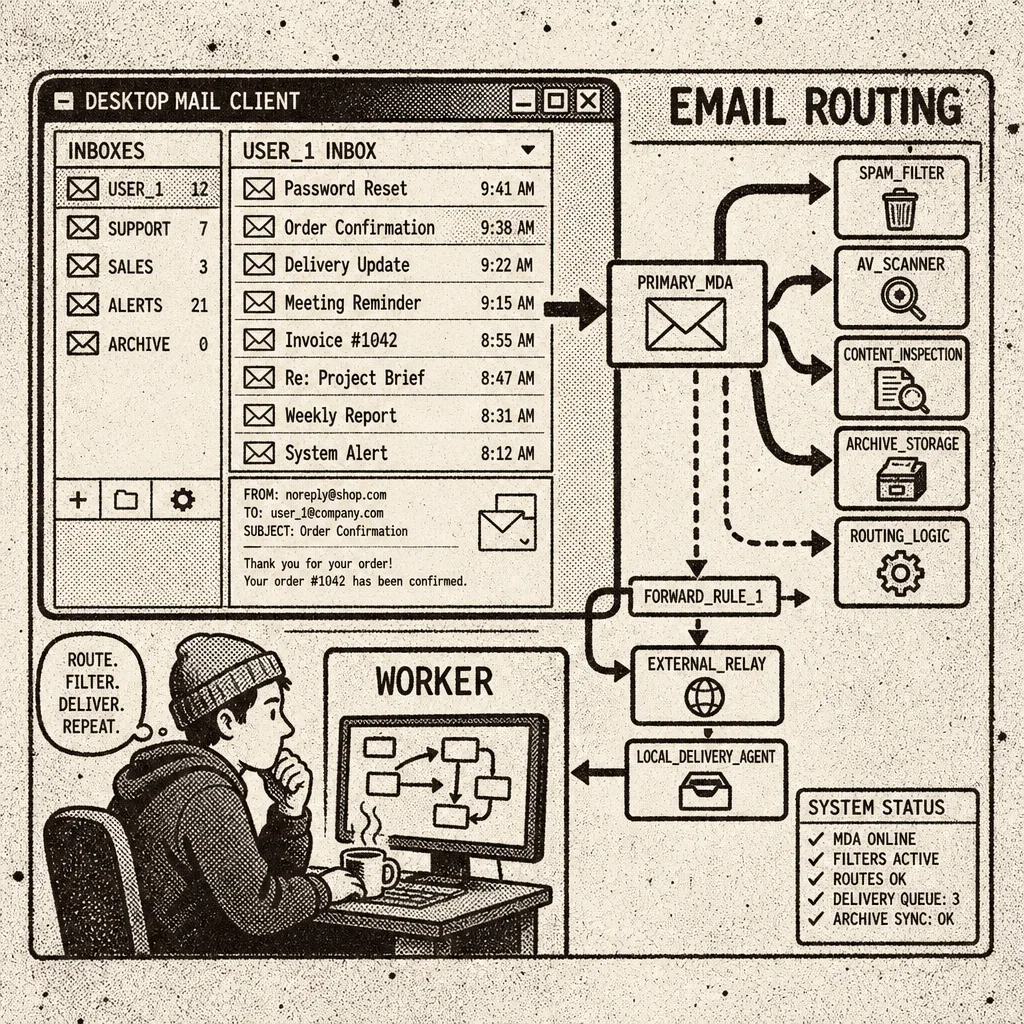
What to demand from a Cloudflare Email Routing client
Evaluate tools against the job you actually have — Worker-backed or routed custom-domain mail — not against a feature matrix designed for IMAP providers.
- Reads Worker-backed or routed mail without requiring IMAP settings that do not exist.
- Ships a real inbox: list, thread or message view, unread state, folders.
- Includes compose and send so replies leave from your branded address.
- Handles attachments without sending you back to a browser upload page.
- Keeps Cloudflare as the backbone rather than quietly re-homing you in another mailbox product.

Why generic desktop mail apps struggle here
Apple Mail, Outlook, Thunderbird, and similar clients are excellent at IMAP and Exchange. They assume a mailbox host that stores mail and speaks those protocols. Cloudflare Email Routing does not present itself that way. You can forward into a provider that does, but then the “client” is talking to Gmail or another host — not to Cloudflare.
A purpose-built Cloudflare Email Routing client treats the Worker path as normal. That is a product decision, not a missing setting buried in Advanced.
FlareMail as that client
FlareMail is a browser-based email client designed for Cloudflare-powered mail. It connects everyday inbox UX to a Cloudflare Worker backend with D1 for metadata and R2 for bodies and attachments.
If your goal is a real app rather than another forward rule, FlareMail is the Cloudflare Email Routing client to try. First three domains are free; Pro is $10/month for 12 domains; Agency is $60/month unlimited.
A client is software. The real inbox for Cloudflare Email Routing is the product page for that software.
FlareMail is free for your first three domains. Pro is $10/month for 12 domains, then $1 per extra domain. Agency is $60/month unlimited.
Create free account
Sources and context
- Cloudflare Email Service routes incoming emails to custom addresses, Workers, or external destinations.
- Cloudflare routing rules can send mail to an email address, send it to a Worker, or drop it.
- Cloudflare Workers can send email through send_email bindings.
- Cloudflare documents sending and routing as related but separate email setup paths.
- Cloudflare Email Routing can route mail to Workers for custom handling.
FAQ
What makes a good Cloudflare Email Routing client?
It should treat Worker-backed mail as first-class, expose a normal inbox UX, and avoid forcing legacy mailbox assumptions.
Is FlareMail a web app?
Yes. FlareMail is a browser-based inbox with a Cloudflare Worker backend.
Is there a subscription?
Your first three domains are free. Then $10/month for 12 domains on Pro.
Three domains free. Pro is $10/month for 12 domains, then $1 per extra domain. Agency is $60/month unlimited.
Create free account